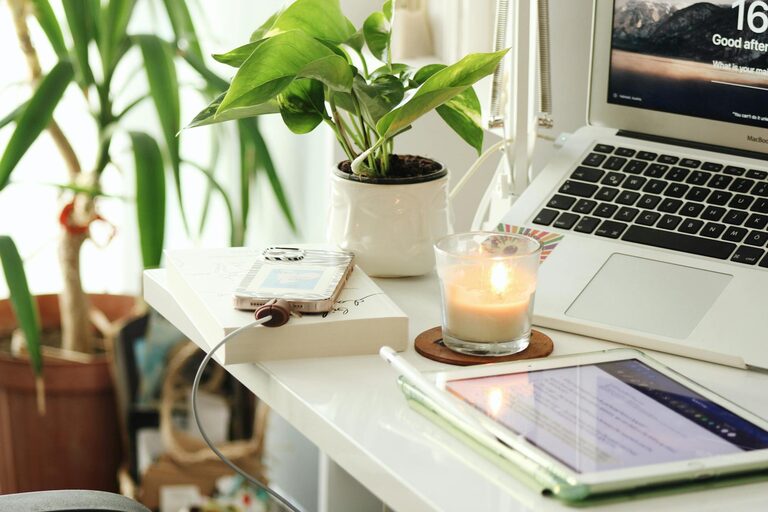
Creating a home office that feels both cozy and productive is essential for anyone working remotely or managing tasks at home. A well-designed workspace can improve focus, reduce stress, and make your workday more enjoyable. Whether you have a dedicated room or just a corner of your living space, these tips will help you create an inviting and efficient home office.
Choose the Right Location
Start by picking a spot that suits your work style and personal needs.
– Natural Light: Select a place near a window if possible. Natural light can boost mood and energy.
– Quietness: Find an area with minimal distractions. If space is limited, noise-canceling headphones can help.
– Space: Ensure you have enough room for your computer, paperwork, and any additional equipment.
Invest in Comfortable Furniture
Comfort plays a big role in productivity. Consider the following furniture essentials:
– Ergonomic Chair: Choose one that supports your lower back and promotes good posture.
– Desk Size: Pick a desk that fits your work materials without feeling cramped.
– Adjustable Options: Adjustable desks or chairs can help you alternate between sitting and standing, which benefits health.
Organize for Efficiency
A clutter-free environment supports a clearer mind. Use these tips to stay organized:
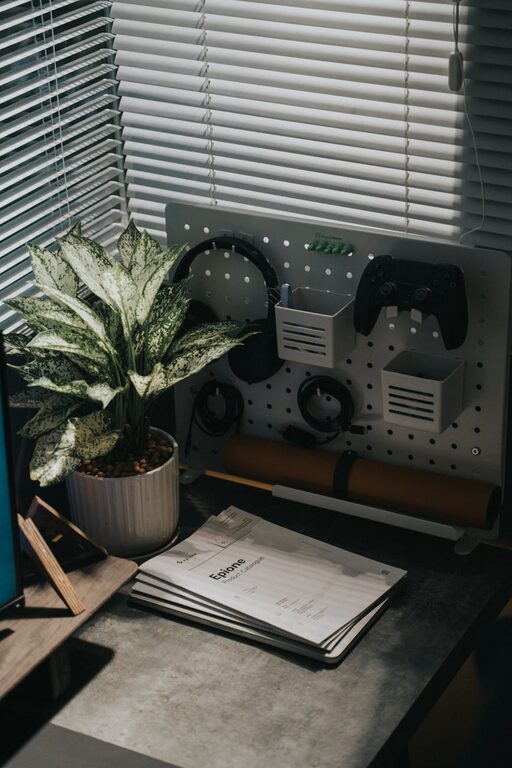
– Storage Solutions: Use shelves, drawers, or filing cabinets to keep papers and supplies tidy.
– Desk Accessories: Keep only frequently used items on your desk to avoid clutter.
– Cable Management: Use clips or sleeves to keep cords untangled and out of the way.
Personalize Your Space
Adding personal touches can make your office feel welcoming and inspire creativity.
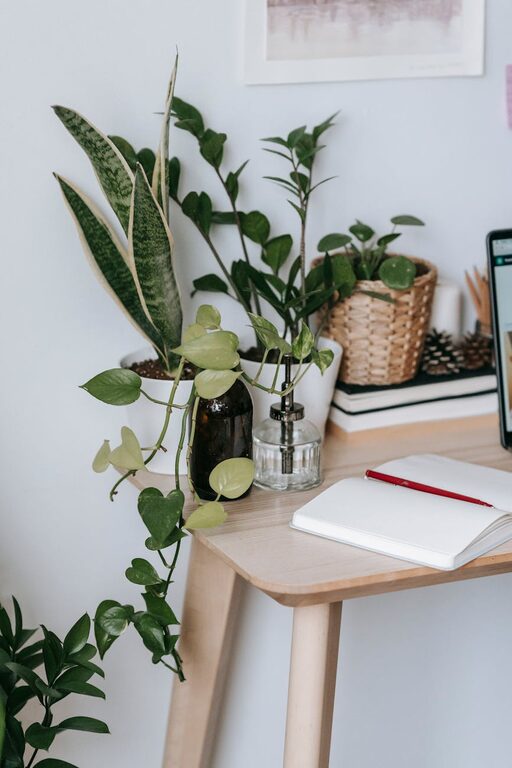
– Decor: Use artwork, photos, or plants to add color and personality.
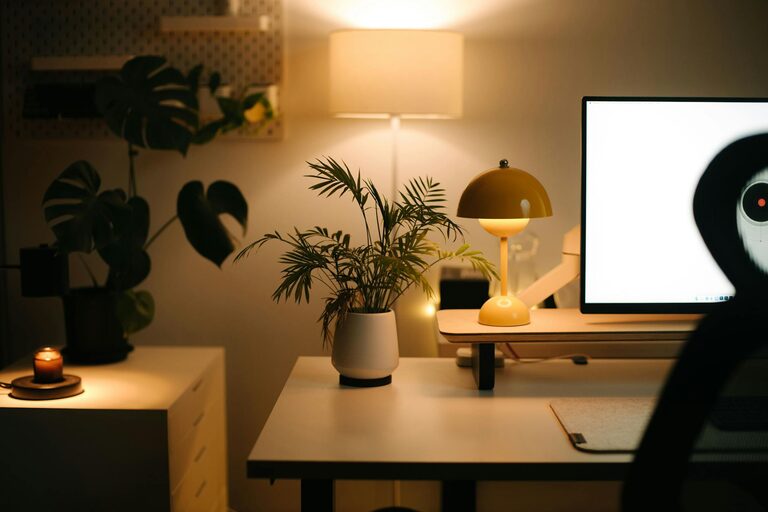
– Lighting: Add a desk lamp with adjustable brightness to reduce eye strain, especially in the evening.
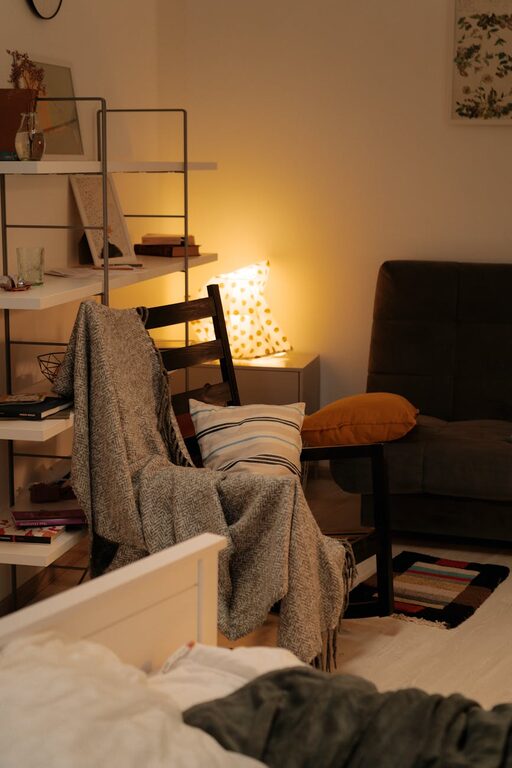
– Comfort Items: A cozy rug, cushions, or a small blanket can enhance comfort.
Minimize Distractions
Keeping distractions at bay is key for maintaining focus.
– Tech Setup: Use apps to block distracting websites during work hours.
– Noise Control: Soft background music or white noise machines can help tune out interruptions.
– Clear Boundaries: Communicate your work hours and space to family or housemates.
Optimize for Productivity
Design your space with productivity in mind by incorporating these elements:
– Task Zones: If space allows, create different areas for computer work, reading, or phone calls.
– Supplies Within Reach: Keep essential tools close to avoid interrupting your workflow.
– Routine-Friendly Setup: Arrange your office to support your daily habits and breaks.
Take Care of Your Well-Being
Your home office should promote not only work efficiency but also physical and mental health.
– Break Space: Include a comfortable spot nearby to pause and relax.
– Air Quality: Keep the area well-ventilated and consider adding air-purifying plants.
– Movement: Incorporate stretches or mini-exercises during breaks to reduce fatigue.
Regularly Refresh Your Workspace
Finally, keep your workspace motivating by regularly updating it.
– Seasonal Changes: Switch out décor or lighting to keep the space feeling fresh.
– Declutter: Take time each week to tidy up and reorganize.
– Evaluate: Occasionally assess if your setup still meets your needs and make improvements.
—
By focusing on comfort, organization, and personalization, you can create a home office that not only looks inviting but also encourages effective work habits. A cozy and productive environment will make your work-from-home experience more enjoyable and successful.